

Automate Your Booking Confirmations: Setting Up WhatsApp Business API in 30 Minutes
5/20/2025
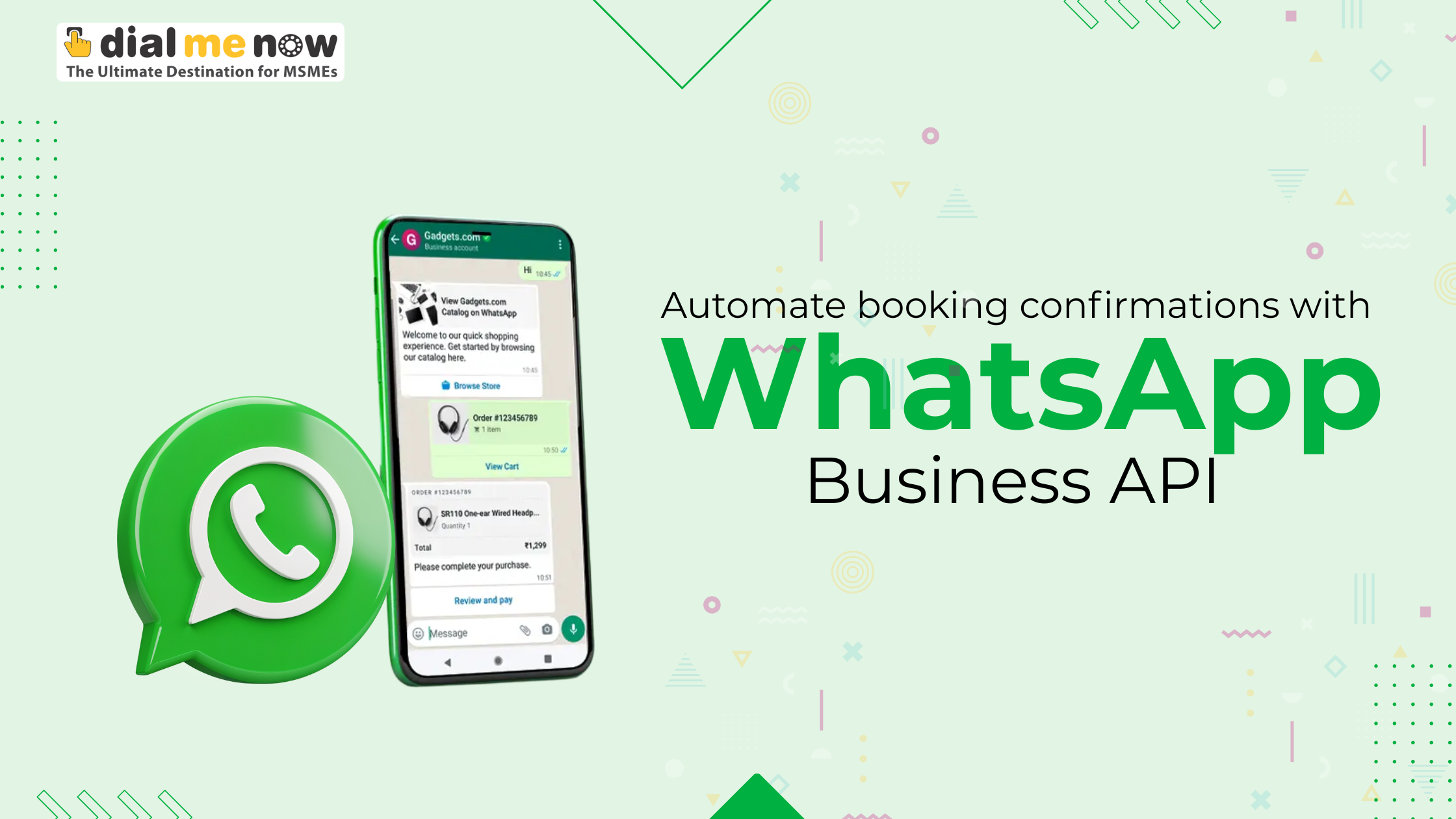
Every business that takes appointments—from boutique salons to boutique hotels to medical clinics—knows the frustration of no-shows. When customers forget or miss their bookings, you lose revenue, waste staff time, and risk cascading scheduling conflicts. What if you could eliminate that problem with a simple, automated message that lands right in your customer’s hands? Enter the WhatsApp Business Cloud API (WABA): a powerful, reliable channel for sending instant booking confirmations and reminders, all set up in under 30 minutes.
The Case for Automated Booking Confirmations
- Sky-High Engagement: WhatsApp messages achieve open rates around 98% and response rates above 45%, outperforming email (20–30%) and SMS (40–50%).¹ With such visibility, your confirmation never goes unseen.
• Reduced No-Show Rates: Studies show timely reminders can cut appointment no-shows by up to 60%, freeing up slots for other paying customers and improving overall operational efficiency.²
• Enhanced Customer Experience: A personalized confirmation message—with appointment details and a simple “Reschedule” option—feels like white-glove service, boosting satisfaction and loyalty.
• Cost Efficiency: Template messages beyond WhatsApp’s 24-hour free window often cost under Rs 0.9 each, making high-volume messaging more affordable than traditional channels.
Automating confirmations not only addresses no-shows and engagement—it positions WhatsApp as a seamless, two-way communication hub where customers can ask questions, confirm changes, and even share feedback in the same chat thread.
Why the WhatsApp Business Cloud API?
Unlike the basic WhatsApp Business App, which requires manual intervention on a single device, WABA is a fully managed, cloud-hosted solution from Meta. It allows medium and large enterprises to:
- Scale Effortlessly: Handle thousands of confirmations per minute without human intervention.
- Integrate Seamlessly: Plug messaging directly into CRMs, booking platforms, or any backend system.
- Ensure Reliability: Benefit from Meta’s 99.99% uptime SLA, guaranteeing messages go out on time, every time.
- Maintain Compliance: Pre-approved templates, explicit opt-in records, and end-to-end encryption keep you aligned with WhatsApp’s policies and data-privacy regulations like GDPR or India’s upcoming data-protection law.
By choosing WABA, you move from ad-hoc, device-based messaging to a robust API-driven approach that’s built for growth and professional workflows.
A Six-Step Roadmap to Automate in 30 Minutes
While the underlying technology can seem complex, the actual setup can be completed in just half an hour—no deep developer expertise required. Here’s how it unfolds:
-
Provision Your WhatsApp Instance (5 Minutes)
Sign up with a trusted Meta Business Partner such as SMS Me Now. In a self-service dashboard, you’ll:
- Submit your Facebook Business Manager ID for verification.
- Register a dedicated phone number exclusively for WhatsApp messaging.
- Receive three key credentials: the WhatsApp API endpoint URL, a long-lived access token, and a webhook verification token.
This provisioning step is fully managed by the partner platform, meaning you avoid manual calls to Meta’s Graph API and instantly gain a production-ready environment.
-
Verify Your Webhook (5 Minutes)
WhatsApp needs to confirm you control the endpoint where it will send incoming events (like user replies or delivery receipts). Conceptually, you:
- Provide a publicly accessible HTTPS URL.
- Supply the verification token you received.
- Receive a challenge from WhatsApp, which your server echoes back to complete verification.
A modern hosting platform (Heroku, Vercel, AWS) takes care of TLS certificates, so you don’t need to wrestle with SSL configuration.
-
Craft & Submit Your Booking Template (7 Minutes)
Messages sent outside a 24-hour customer session require pre-approved templates. A well-designed booking confirmation template typically includes:
- A friendly greeting with a dynamic variable for the customer’s name.
- Appointment details (service type, date, time, location) filled via variables.
- An emoji-enhanced call to action (e.g., “Your massage is booked! 🎉”).
- Up to three interactive buttons (e.g., “View Details,” “Reschedule,” “Cancel”).
Using SMS Me Now’s template builder, you draft your template, insert dynamic placeholders, choose a category (usually “TRANSACTIONAL”), and submit it for Meta approval. Automated templates dashboards show real-time approval status, so you know when your confirmation is ready to send.
-
Perform a Dry-Run Test (3 Minutes)
Before going live, you’ll want to validate that your template renders correctly on WhatsApp. Most partner portals include a test interface—simply enter your business phone number and sample variables (e.g., “Rahul,” “Spa Package,” “May 25, 2025,” “3:00 PM”). In seconds, you see the exact message in your WhatsApp client, ensuring text fits, buttons display, and emojis render properly.
-
Integrate with Your Booking Engine (8 Minutes)
With everything provisioned, it’s time to plug messaging into your existing workflows. Typical integration points include:
- Successful Payment Event: Trigger a confirmation after a reservation deposit clears.
- Calendar Slot Allocation: Hook into your scheduling system so that once a time slot is locked, a WhatsApp confirmation fires automatically.
- CRM Lead Stage Change: When a prospect converts to a confirmed appointment, send the booking template.
Even non-developers can configure these triggers using Zapier, Make (formerly Integromat), or low-code orchestration tools that connect your booking form, payment gateway, and SMS Me Now’s webhook.
-
Monitor, Iterate & Optimize (2 Minutes)
Post-launch, gather data on delivery rates, read receipts, and button-click actions. Use these insights to:
- Identify any failed messages and set up fallback channels (SMS or email).
- A/B test subtle copy variants (“confirmed” vs. “booked”) to find the highest open-to-action ratio.
- Prune underperforming templates and introduce new ones for check-in tips or post-visit feedback.
A streamlined analytics dashboard surfaces these metrics in real time, so you maintain peak performance without manual reporting.
Advanced Best Practices
Beyond the core setup, several deeper strategies can supercharge your WhatsApp confirmations:
- Consent & Compliance: Always record opt-in timestamps and sources (web form, in-chat prompt). Maintain an unsubscribe list to ensure you honor “STOP” requests. This protects your quality rating and avoids policy violations.
- High-Impact Template Design: Keep text under 256 characters, open with a friendly name (“Hi Priya!”), state the value (“Your dental appointment is set”), and close with a clear button action. Avoid all-caps, spammy words, or extraneous emojis.
- AI-Powered Chatbots for Off-Hours Queries: Integrate an AI chatbot to handle common follow-up questions—“Can I reschedule?” or “What documents should I bring?”—and escalate complex cases to human agents during business hours.
- Dynamic Personalization: Pull in loyalty program status, membership tiers, or special add-ons (“Would you like to add a complimentary facial?”) to boost cross-sales directly within the confirmation thread.
- ROI Measurement: Tag message links with unique UTM parameters to feed data into Google Analytics or your BI tool. Track metrics like “conversations started per day,” “click-through rate on ‘View Details’,” and “booking-to-revenue conversion” to assess cost-effectiveness.
- Throughput Management: WhatsApp enforces tiered sending limits based on your quality score. Begin with Tier 1 (250-500 unique daily recipients) and maintain complaint rates below 0.5% to unlock higher tiers. Platforms like SMS Me Now handle queue throttling, fallback routing, and throughput bursts automatically. As the user usage more messages then limits are relaxed as we go forwards like meta then allows users to send upto 1000 messages then after sometime it allows more.
Real-World Use Cases
- Hospitality & Travel: Send booking confirmations with a quick-reply “View Map” button, pre-arrival check-in instructions, and local weather forecasts. Reduce front-desk crowding by enabling guests to confirm arrival times directly via WhatsApp.
- Healthcare & Wellness: Automate appointment reminders for doctor visits or spa treatments, with interactive “Reschedule” options to minimize clinic no-shows and improve patient flow. Share pre-visit guidelines or post-visit care instructions in the same conversation.
- Fitness & Recreation: For gyms or yoga studios, confirm class bookings, send last-minute slot openings to waitlisted members, and gather instant feedback on instructor performance via button-based surveys.
- Professional Services: Law firms or consultancy agencies can confirm initial consultations, share digital intake forms via quick-reply buttons, and nudge clients to upload necessary documents before their appointment.
Each use case highlights how personalized, interactive confirmations not only prevent no-shows but also elevate the entire customer journey.
The Subtle SMS Me Now Advantage
While the technical steps are straightforward, partnering with SMS Me Now adds a layer of white-glove service that accelerates your time to value:
- Rapid Onboarding: Finish business verification and phone-number activation in days, not weeks.
- Template Expertise: Access a library of pre-tested templates tailored for appointments, upsells, and feedback, complete with compliance checks.
- 24/7 Support & Monitoring: Proactive health checks and expert troubleshooting ensure your messaging flows never miss a beat.
- Scalable Infrastructure: From 100 to 100,000 confirmations per day, our Cloud API integration scales transparently—no additional configuration required.
By handling the heavy lifting, SMS Me Now lets you focus on delivering outstanding service, while your booking-confirmation channel hums along reliably in the background.
Conclusion
In just half an hour, you can transform your booking process from manual email outreach into an automated, engaging WhatsApp conversation that cuts no-shows, delights customers, and frees your team to focus on service excellence. By leveraging the WhatsApp Business Cloud API—and a partner like SMS Me Now—you gain a reliable, scalable, and cost-effective engine for confirmations, reminders, and beyond. Ready to automate your booking confirmations and watch engagement—and revenue—soar? Dive in today, and make every booking an opportunity to impress.
Disclaimer
All content on this blog is provided solely for general informational purposes—while we strive for accuracy, no warranties (express or implied) are made regarding its completeness, reliability, or suitability, and nothing herein constitutes professional advice (you should consult qualified experts before acting); any brand, product, service, company, or trademark names mentioned are the property of their respective owners and are used only for identification without implying endorsement, sponsorship, or affiliation; in no event shall the blog owner, authors, or affiliates be liable for any damages arising from your use of or reliance on this blog.